Framer vs Webflow: Choose the Right No-Code Builder for You
.avif)
.png)
.png)

.png)
.png)
.svg)
Framer vs Webflow is one of the most common debates when choosing a modern website builder for startups, designers, and marketing teams.
While both platforms let you build visually stunning websites without code, they differ significantly in design & customization capabilities, CMS & content management, SEO capabilities, performance & speed, and pricing.
In this in-depth Webflow vs Framer comparison, we break down features, pros and cons, use cases, and real-world scenarios to help you decide which platform is the right fit for your website goals in 2026.
What Is Framer?
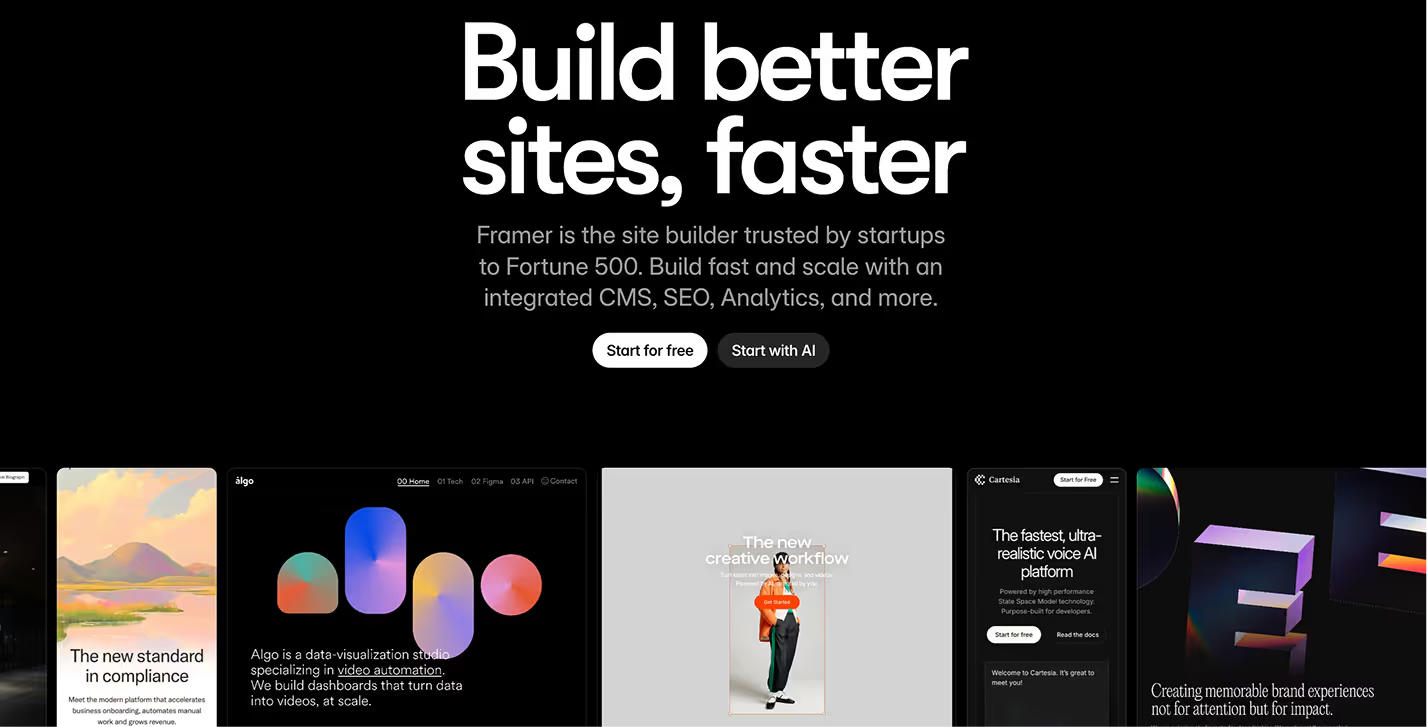
Framer, originally known as a prototyping tool for designers, has evolved into a full-scale no-code website builder.
Yes, you heard that right. It’s no longer limited to design alone.
Framer made this shift to bridge the gap between design and development by giving users the ability to create and publish production-ready websites without writing a single line of code.
True to its roots, Framer still embraces a design-first philosophy. It prioritises the creative process, visual expression, and seamless real-time collaboration between multiple designers. With its current direction, it’s increasingly being used for marketing sites and portfolio websites, since you can design directly on the canvas and publish instantly.
What Is Webflow?
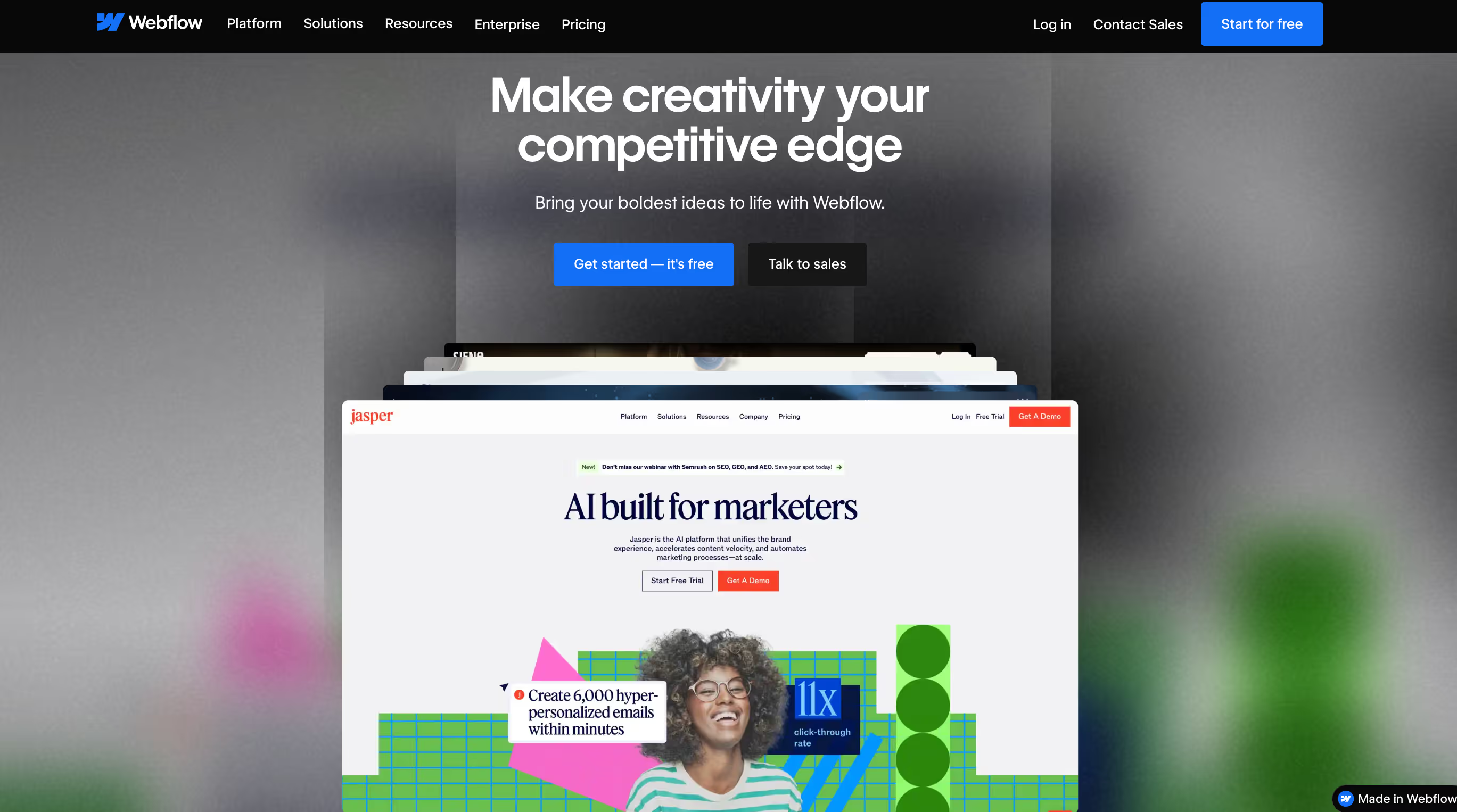
Webflow, launched in 2013, is one of the most popular website builders for designers, agencies, and developers who want to create visually stunning and high-performing websites without writing code.
Its USP lies in bridging design and code through a powerful visual interface that automatically generates clean HTML, CSS, and JavaScript: which means you gift yourself a good-looking, powerful website.
Webflow offers unmatched design flexibility, allowing users to build complex, responsive, and interactive websites. All Webflow-powered are really good in speed and perfromance. On Webflow, you can design, publish and also host your domain without having to rely on another tool or service.
Designers, agencies, developers, entrepreneurs/ startups: all have something to take from Webflow. Designers get access to high design flexibility while developers get to partake in high-level customisation to build unique-looking websites. Some of the best companies in the world like The New York Times, Away, Clear, Vice are on Webflow.
**Check out this list of high-performing, high-converting websites, all made on Webflow.**
Framer vs Webflow: In-Depth Comparison
Let’s begin by understanding Framer and Webflow’s 2025 focus. Knowing this will help you understand if it aligns with your present and future goals.
1. 2026 Trends in No-code tools
The realm of no-code tools is leaning heavily into AI integration, motion design, and more flexible CMS capabilities. All of which is putting more power and agency directly into the hands of users. You no longer need to “know this or that” to get the most out of these platforms.
In these new developments, AI is becoming a core part of how these tools work, especially with the rapid updates being seen on both Framer and Webflow.
We’re also seeing the rise of “vibe coding,” where you simply describe what you want in your own words, and AI builds and deploys it for you. CMS is also getting more and more flexible with the widespread adoption of headless and decoupled CMS architectures which makes no-code tools even more flexible.
2. Popularity, Innovation pace & Use Cases
If we look at popularity, Webflow is on a significantly higher pedestal even though Framer is rapidly innovating in the design-first, animation-heavy space. Both Framer and Webflow are actively integrating AI and new features, solving niche pain points that’ll we’ll get into below.
In terms of adoption and use cases, Webflow dominates agencies and scaling businesses, while Framer is popular among UI/UX designers and early-stage startups needing rapid MVPs.
💡 Webflow powers over 720,000 websites and holds approximately 1.2% market share among websites using a content management system (CMS).
3. Adoption Use Cases
Webflow vs Framer: Feature-by-Feature Summary Table
Framer vs Webflow: Which Should You Choose in 2025?
Use this crisp and straightforward comparison to make your choice.
1. Beginners / Non-technical Users
Choose Framer if:
- You want the fastest and easiest learning curve.
- You prefer a visual, drag-and-drop experience that feels intuitive.
- You’re building simple sites: portfolios, personal pages, or quick landing pages.
Choose Webflow if:
- You’re okay with a bit of a learning curve to get more control.
- You want a tool that scales as you grow, especially if you may need CMS, advanced SEO and custom designs later.
2. Designers, Agencies & Developers
Choose Framer if:
- Your work is design-first and you want to translate layouts directly into live websites.
- Real-time collaboration and rapid prototyping matter.
- You’re delivering high-end visual experiences with animations and micro-interactions quickly.
Choose Webflow if:
- You need pixel-level control over structure, responsiveness, CMS, and custom code.
- You’re building for clients who expect scalability, complex layouts, or integration-heavy sites.
- You want to hand over clean, production-ready code.
3. E-commerce Businesses
Choose Webflow if:
- You need a robust CMS (blogs, dynamic pages, categories, databases).
- You’re planning e-commerce or heavy content publishing.
- SEO and long-term scalability are a priority.
Choose Framer if:
- Your content is minimal and you don’t need deep CMS structures.
- You want speed and design flexibility over technical depth.
Framer vs Webflow: Final Verdict
If you’re building a scalable website with complex content, long-term SEO goals, or e-commerce plans, Webflow is the stronger, future-proof platform thanks to its powerful CMS, advanced customization, and performance control.
If speed, visual freedom, and rapid publishing matter most to you, Framer is the better choice, especially for landing pages, portfolios, and early-stage products.
FAQs About Framer vs Webflow
1. Does Framer work with Webflow?
Both Framer and Webflow are separate platforms, but yes you can use them both for one project. With Framer, you can create fast, interactive LPs and Webflow can be your robust, scalable CMS. For example, you could use Framer to design micro-interactions, then migrate these elements to Webflow.
2. Which is better for SEO, Framer or Webflow?
Webflow has relatively stronger SEO capabilities. It offers full control over metadata, canonical tags, clean semantic HTML/CSS, customizable sitemaps, 301-redirects, and structured data. Framer has improved with time and covers basic SEO needs: meta tags, sitemaps, redirects, etc, but Webflow is what you choose for a safer, more advanced bet.
3. Is Framer easier to learn than Webflow?
For many people, yes. Framer’s interface is design-first, more visual, and feels closer to design tools, making it simpler and faster to learn. Webflow tends to have a steeper learning curve, which can be overwhelming for non-technical users, but there are enough resources to learn how to use it step by step.
4. Can I migrate my Webflow site to Framer or vice versa?
It’s not a one-click process for sure to migrate your website from Webflow to Framer or vice versa. Migration is a manual process that involves rebuilding the site on the new platform. The process typically involves transferring content and assets, then recreating the design and functionality from scratch.
5. Which platform is better for e-commerce websites?
Webflow is clearly better for e-commerce. It has built-in e-commerce functionality: product pages, checkout, cart, payment processing, and inventory, all managed within the platform. Framer does not have native e-commerce functionality. You’d need to rely on third-party integrations.
6. Is Framer worth the subscription cost in 2025?
If your needs are simple- think portfolios, small landing pages, marketing sites, small business pages, Framer offers a good value. But if you expect growth: content scale, dynamic content, SEO performance, e-commerce, complex interactions, then Webflow’s richer features justify its higher cost.
7. Which platform offers better design freedom?
Both have their unique ways of offering design freedom. Framer has a more freeform canvas and visual approach, while Webflow has more of a layout and styling control.
8. Do both support AI-powered website creation in 2025?
Yes, both Framer and Webflow support AI-powered website creation. You can explore AI integrations to generate layouts, content and also optimise sites from simple prompts. Framer’s focus is speed and motion, while Webflow offers deeper design control.



